Your account
For students: your profile and changing your password.
Select your name at the top right, then Your profile, to open your account page. It has two sections.
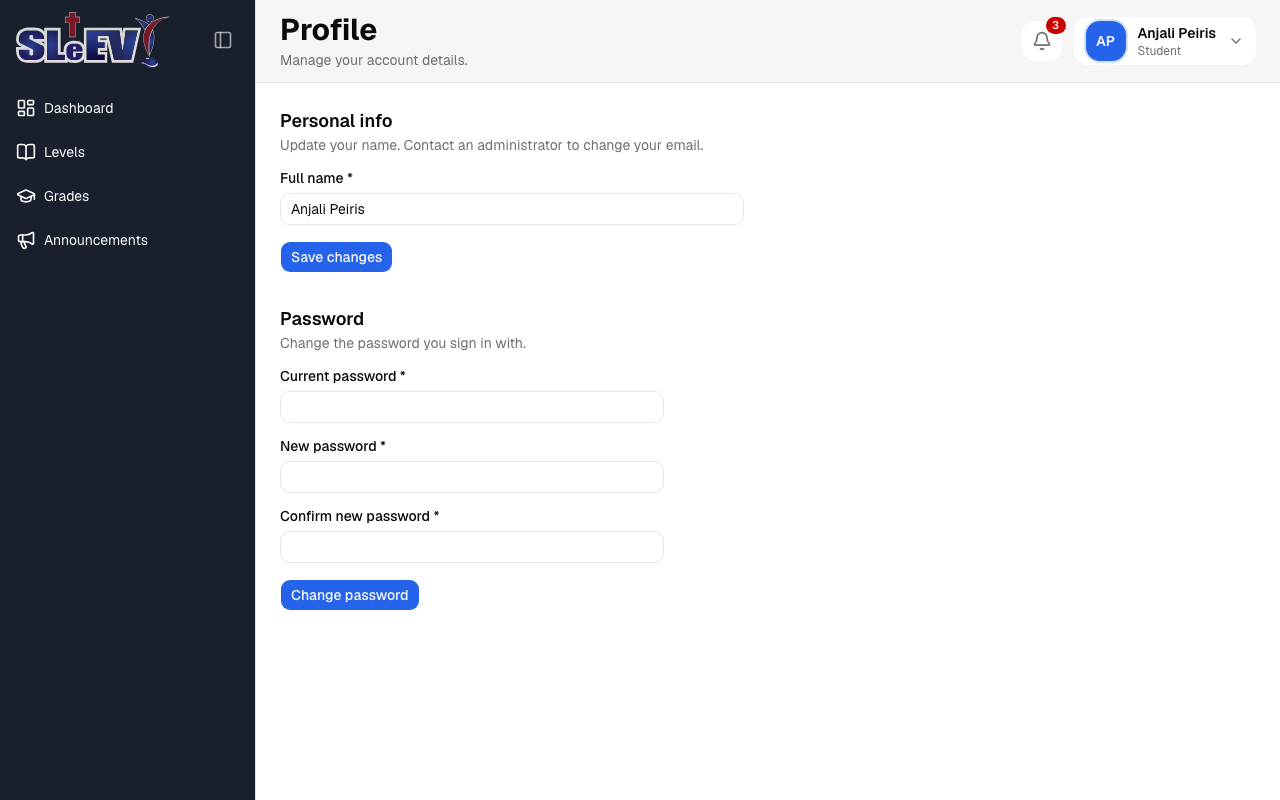
Personal info
Update your full name here, then select Save changes. Your username and email address can't be changed from this page — contact your course administrator if either needs to change.
Changing your password
- Enter your current password.
- Enter a new password and confirm it.
- Select Change password.
If you close or reload the tab with unsaved changes, your browser warns you first.