Students
For students: signing in for the first time, and a tour of your dashboard.
Your first sign-in
-
Go to the sign-in page and enter the username and password your course administrator gave you. You don't need an email address to sign in.
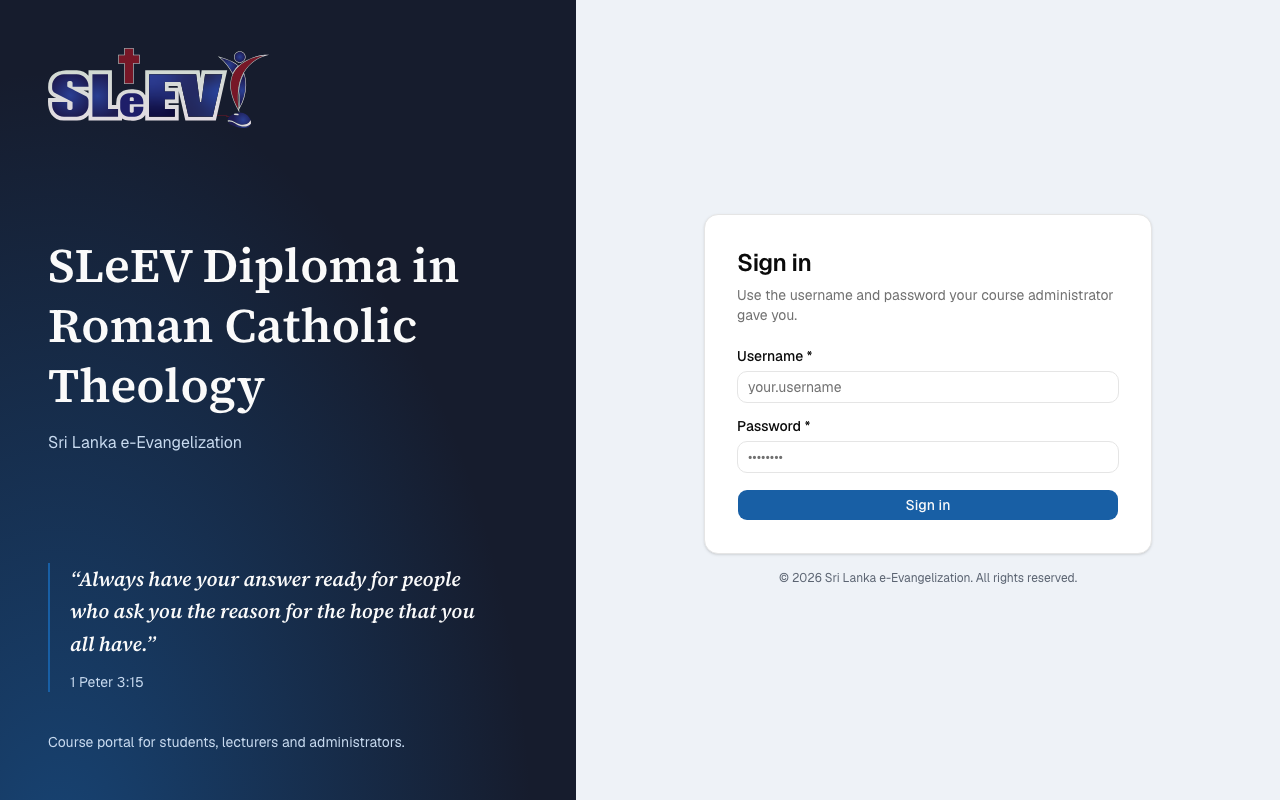
-
The first time you sign in (and after an administrator resets your password), you're asked to choose a password. Set a new one, or select Keep current password to carry on with the one you were given.
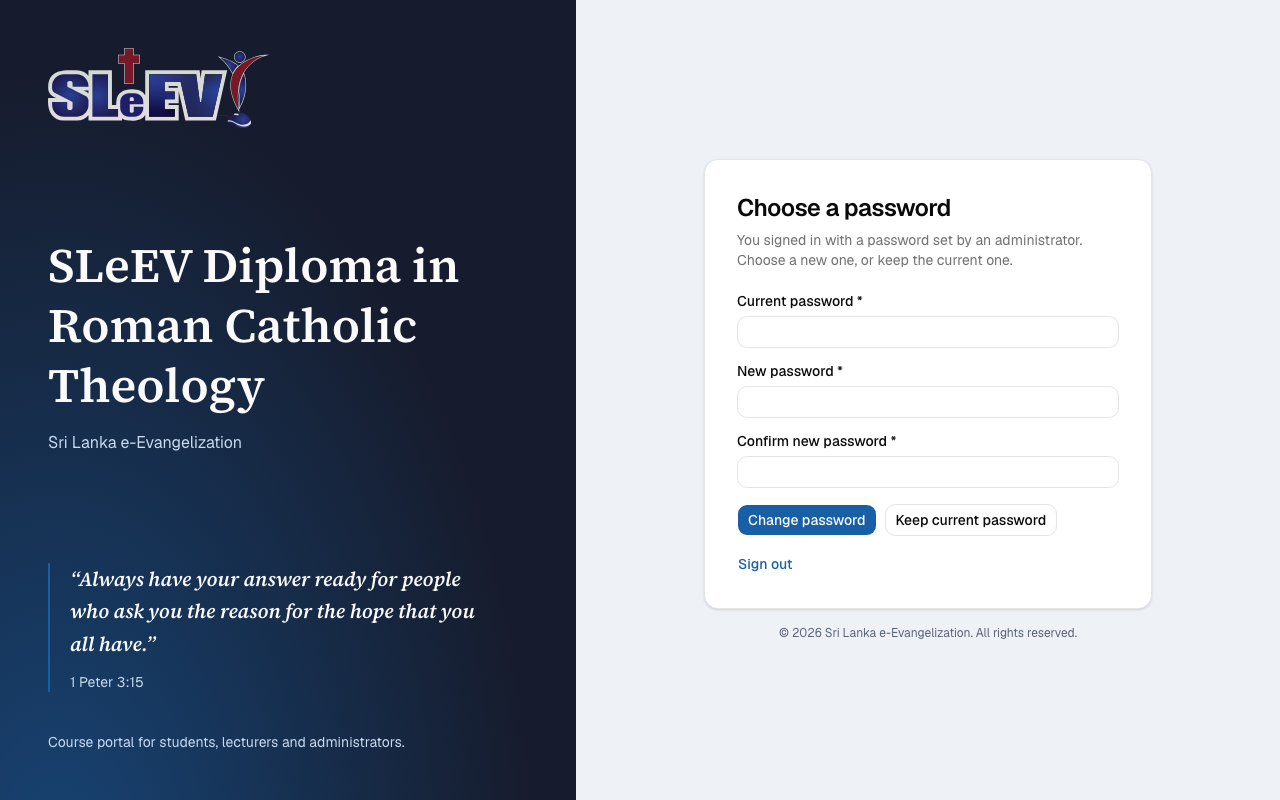
-
You land on your dashboard.
Your dashboard
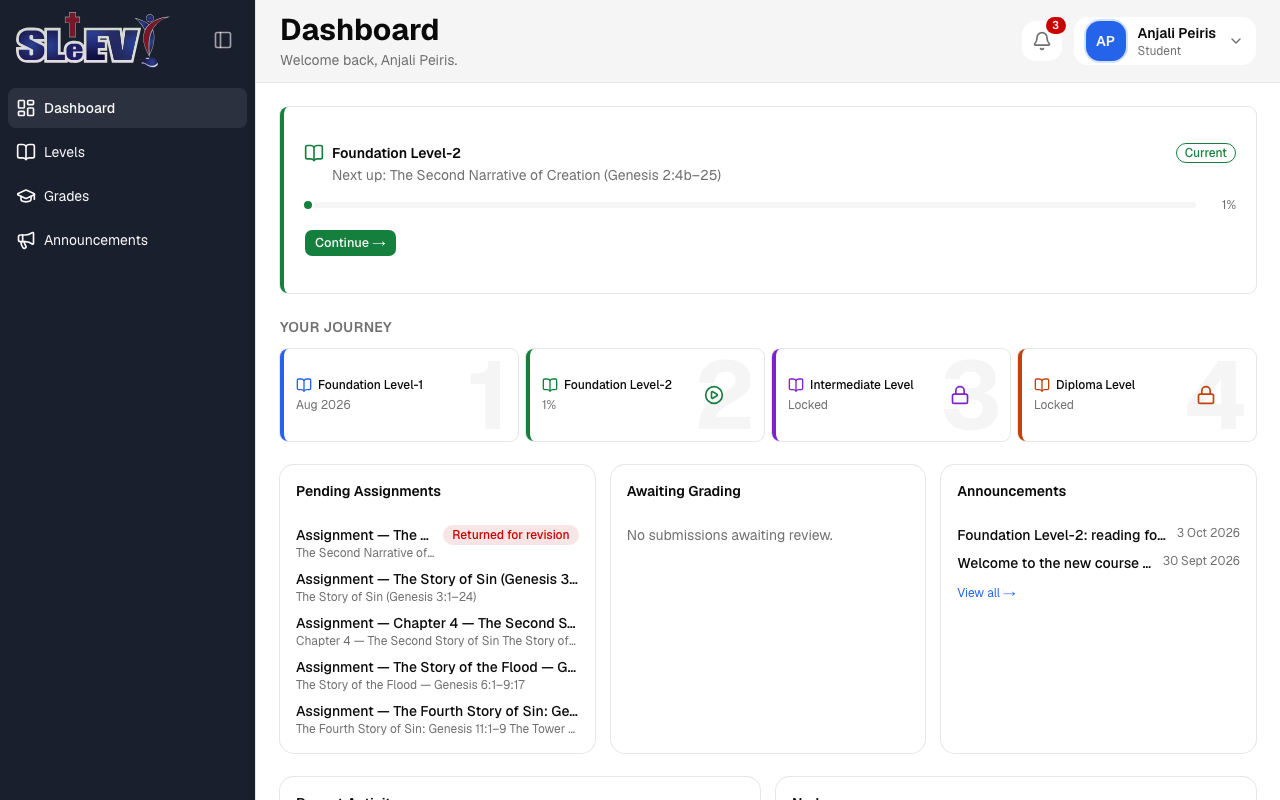
The dashboard shows:
- Your current level, with what's next and a Continue button.
- Your Journey — every level, in order, so you can see which are completed, which is current, and which are still locked.
- Pending Assignments — work you still need to submit.
- Awaiting Grading — work you've submitted that's waiting on a grade.
- Announcements — the latest updates from your instructors.
- Your recent activity and any nudges sent to you, further down the page.
The sidebar on the left takes you to Levels, Grades and Announcements. The bell and your name, at the top right, open your notifications and your account menu.
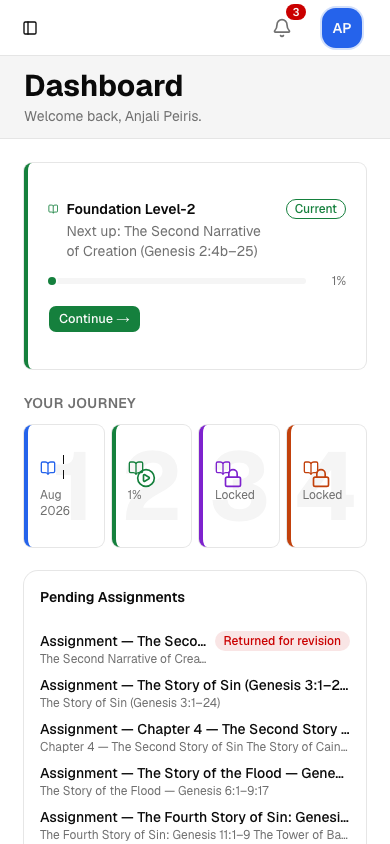
On a phone, the sidebar becomes a menu you open with the button at the top left, and everything else stacks in one column.
Next
- Lessons and levels — working through your course material.
- Assignments — submitting your work.
- Grades and messages — grades, notifications and announcements.
- Your account — your profile and password.
- Help — frequently asked questions.